IIDMS recently hosted a free live webinar, AI-Powered Digital Marketing with Claude: Create, Automate, Grow, from our head office in Dubai. Over almost two hours, our trainer, who has more than 15 years of experience in training and digital marketing, showed students, working professionals, freelancers and business owners how to use Claude AI in day-to-day marketing: writing better prompts, connecting marketing tools, building a brand voice, running SEO audits, planning content and setting up an AI "coworker".
You can watch the full webinar replay below. This article summarises what we taught, step by step, so you can follow along or come back to the parts you need.
Watch the Full Webinar Replay
Can't see the video? Watch the AI-Powered Digital Marketing with Claude webinar on YouTube.
Webinar chapters
Jump to a topic (times are approximate):
| Time | Topic |
|---|---|
| 00:00 | Welcome and introduction |
| 04:50 | Claude Chat vs Claude Cowork |
| 07:58 | The prompt foundation: What, Where, How, Why |
| 18:00 | Connectors, skills and plugins |
| 29:30 | Creating images and using Artifacts; connecting Canva |
| 35:00 | SEO connectors and slash shortcuts (e.g. broken-link checks) |
| 44:00 | 30 video scripts from one line: how the workflow works |
| 46:00 | Building your brand voice and working-preference files |
| 56:00 | Setting up a Claude Project with instructions and context |
| 58:00 | Scheduled tasks: weekly competitor content ideas |
| 64:00 | SEO audit to developer action report in Excel |
| 71:00 | Keyword Planner data to website wireframe and keyword map |
| 78:00 | 30-day content calendar and AI video prompts |
| 87:00 | Skill Creator: a Meta Ads campaign manager skill |
| 94:30 | Q&A: paid plans, usage limits and tips |
1. Claude Chat vs Claude Cowork
The session started with the two main ways to work in Claude:
- Chat works like other AI chat assistants: you ask, it answers. Much of this, including writing, planning and analysis, is available on the free plan.
- Cowork is Claude's agent for multi-step work. You give it a goal and it works across your files and connected tools, which is why the trainer described it as a "coworker" you can delegate to. Cowork and automated workflows require a paid plan.
The key mindset shift: as a digital marketer you are "the brain of the team", working with developers, SEO specialists and ads specialists. Claude helps keep all of that work consistent with one brand. For a full list of the latest features, see our guide to new Claude AI features for marketing.
2. The Prompt Foundation: What, Where, How, Why
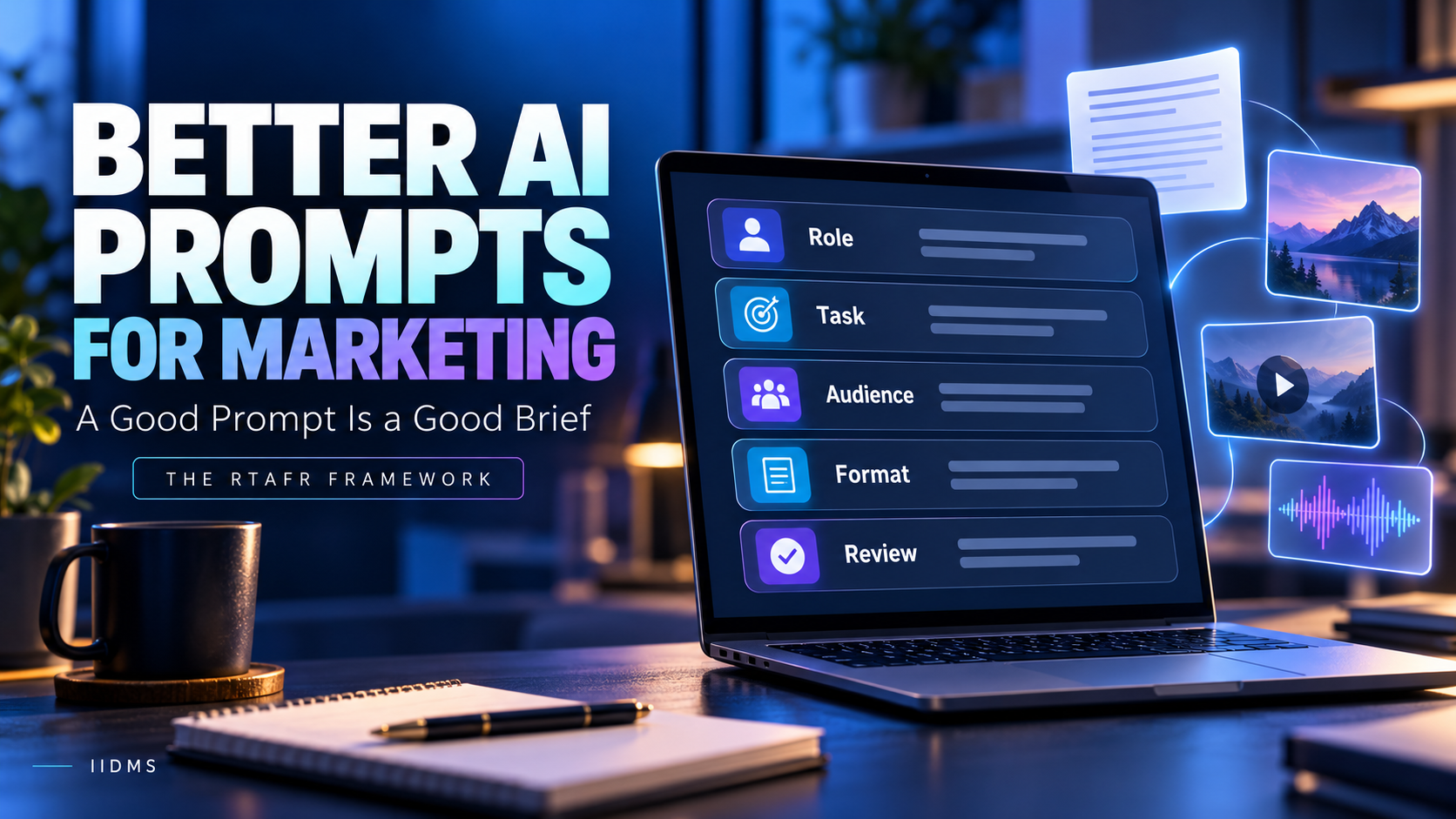
Whatever AI tool you use, the webinar recommended covering four points in every prompt:
| Element | Question | Webinar example |
|---|---|---|
| What | What do you need? | A YouTube script |
| Where | Which business and market is it for? | A fashion house in Dubai (add the website if you have one) |
| How | Length, style and requirements | 300 words, SEO-friendly, engaging |
| Why | The goal | Organic reach, branding or sales |
| Limitations | What to avoid | e.g. "This is an education institute, not an agency" |
Put together: "Create a 300-word, SEO-friendly YouTube script for [fashion house] in Dubai ([website]) to increase organic reach." The more precisely you state what, where, how and why, the less you need to correct afterwards. For a deeper framework with ready-to-use examples, read how to write AI prompts for marketing.
3. Connectors: Bring Your Marketing Tools into Claude
In Settings → Connectors, Claude can connect to third-party tools so it can read data and take actions with your permission. Connectors are built on the Model Context Protocol (MCP), an open standard for linking AI assistants to apps. Tools discussed or demonstrated in the webinar included:
- Gmail and Google Drive: for example, sorting a busy inbox to highlight the emails that genuinely need a reply
- Canva: creating, searching, autofilling and exporting designs, with brand checks
- HubSpot: CRM and email marketing
- Shopify: store analytics such as stock-outs and high-return products
- SEO tools such as Semrush and site crawlers: audits, broken links and visibility checks
- Meta Ads, Google Ads and Search Console: through third-party connectors, once you have a live website and ad accounts
Once tools are connected, typing / in a new chat shows shortcuts such as a Canva brand check, a content brief or a broken-link check, so routine tasks no longer need a long prompt each time.
Good practice: grant each connector only the permissions it needs, keep approvals on for actions that send, post or spend money, and never share customer data with tools your company hasn't approved. Our responsible generative AI workflow explains the guardrails.
4. Images, Artifacts and Canva
The trainer created a Facebook cover image for a demo pet-accessories store by giving the purpose, dimensions and a reference image. Previews appear in Claude's Artifacts panel on the right, where you can review and download the result, or send it to Canva for editing once the Canva connector is set up.
5. Build a Brand Voice So Claude Stays On-Brand
The most important set-up step was teaching Claude about the brand once, instead of re-explaining it in every chat. The webinar walked through three files:
- Brand voice (saved as
brand-voice.md): created with the What/Where/How/Why prompt. In the demo: a digital marketing institute (what), in Dubai (where), focused on AI tools and digital skills (how), for education (why), with the limitation "not an agency". - Working preferences (saved as
working.md): how your AI "digital marketing executive" should work for you as the manager. - About me: your role and background, for example adapted from your LinkedIn profile.
These files then go into a Claude Project: create a project for the brand, add custom instructions for how Claude should respond, and upload the files as context. From then on, requests in that project follow your brand automatically. The trainer showed 30 YouTube video scripts, each with a title, concept, hook and call to action, generated from a single line because the brand was already set up.
6. Scheduled Tasks: Your AI Coworker Works on a Schedule
In Cowork you can schedule recurring tasks. The webinar example was a weekly Monday task: "Check competitors' Instagram profiles and select five content ideas per week for better followers and reach." The trainer's advice was to keep tasks on manual approval until Claude reliably understands your style, and only then consider automatic approval.
7. SEO Audits, Keyword Maps and Website Planning
Three practical SEO workflows were demonstrated:
| Workflow | Input | Output |
|---|---|---|
| SEO update check | "This is my website; check for SEO updates and current traffic" | Missing meta links, low-CTR pages and other issues to fix |
| Developer action report | An SEO audit report from your SEO tool | An Excel file for your web developer with issues, priority (critical, high, medium), recommendations and status |
| Keyword map and wireframe | A CSV export from Google Keyword Planner (demo: a used-car business in Dubai) | A website wireframe plan and a page-by-page list of primary and secondary keywords |
As the trainer stressed, these only work well if you understand SEO basics yourself. For a Dubai-specific example, see our local SEO checklist for Google Maps.
8. Content Calendars and AI Video Prompts
Using a demo dog-care business in Dubai, the trainer generated a 30-day content calendar, picked one idea and turned it into a short 9:16 video prompt. Key lessons:
- Use the calendar to choose topics, then ask for a dedicated video prompt for each piece.
- AI video tools typically generate short clips of around 8 to 10 seconds; longer videos are made by combining several clips in a video editor.
- Supplying images or brand references keeps the output closer to your brand.
Choosing where to post comes first; see how to choose the right social media platforms.
9. Skill Creator: Reusable AI Marketing Roles
Claude's Skill Creator (type / and choose it) helps you build reusable skills. The webinar example was a Meta Ads campaign manager skill that tells Claude exactly what that role does. Other useful skills include a weekly report writer, a video script writer, a content strategist or a blog writer. The rule: be clear about the job and the work, and connect the tools that job needs. If you run lead-generation campaigns, our comparison of Google Ads vs Meta Ads covers the strategy side.
10. Tips from the Q&A
- Free vs paid: chat, planning and analysis can be done on the free plan; Cowork workflows, automations and some creative features need a paid plan. At the time of writing, Claude Pro is listed at USD 20 per month, or USD 17 per month billed annually; check Anthropic's pricing page for current details.
- Use your limits wisely: give one clear, complete prompt instead of many small back-and-forth corrections.
- Stay in the same project so Claude keeps your brand context.
- Beyond marketing: the same approach works for research, finance and analysis tasks, and Claude can connect to tools such as Power BI through connectors where available.
- Always review: check facts, numbers and brand fit before anything is published or sent.
Who This Webinar Is For
Students and fresh graduates, working marketers, freelancers, agency owners and business owners who want to use AI for real marketing work rather than simple chat. If you are planning your overall approach first, start with our guide to building a digital marketing strategy for a UAE business, and see the bigger picture in AI marketing automation trends for 2026.
Frequently Asked Questions
Is the IIDMS Claude webinar free to watch?
Yes. The full replay is free on YouTube and embedded above.
Do I need a paid Claude plan to follow along?
You can practise the prompting, planning and analysis parts on the free plan. Cowork, scheduled tasks and some automations require a paid plan.
What is the difference between Claude Chat and Cowork?
Chat answers your prompts one at a time. Cowork takes a goal and completes multi-step work across your files and connected tools, including scheduled recurring tasks.
What is a brand voice file in Claude?
A short document describing your brand, audience, tone and limits, uploaded to a Claude Project so every response stays on-brand without re-explaining it.
Can Claude connect to Meta Ads and Google Ads?
Through third-party connectors, yes, as demonstrated in the webinar. Review the permissions you grant and keep approvals on for any action that changes campaigns or spends budget.
Where can I learn this in depth?
In the IIDMS Certified Digital Marketing Master with Generative AI, which covers these workflows hands-on with live projects.
Learn It Hands-On: Certified Digital Marketing Master with Generative AI
The webinar was a two-hour glimpse. Our Certified Digital Marketing Master with Generative AI takes you from basics to advanced, live and hands-on: SEO, website creation, graphics, AI tools, video creation and editing, analytics, strategy and e-commerce, with practical projects and a capstone. Read our guide to the Digital Marketing Master with Generative AI to see what it covers.
| Your goal | Recommended IIDMS course |
|---|---|
| Master every digital marketing channel with generative AI | Certified Digital Marketing Master with Generative AI |
| Go deeper into AI automation, workflows and agents | Certified Applied Generative AI & Automation Professional (CAGAP) |
| Focus on SEO audits, keywords and search visibility | Certified SEO Professional |
Want to see how the classes work? Visit the Digital Marketing Master with Generative AI course page to request a free callback, book a demo session and ask about upcoming free webinars.