
Two marketers open the same AI tool. One types: "Write a social media post about our course." The other gives a structured brief. Same tool, very different results.
The difference is prompt quality. A prompt is a brief, and AI responds to a good brief the way a skilled freelancer does: with focused, usable work. A vague brief gets generic output.
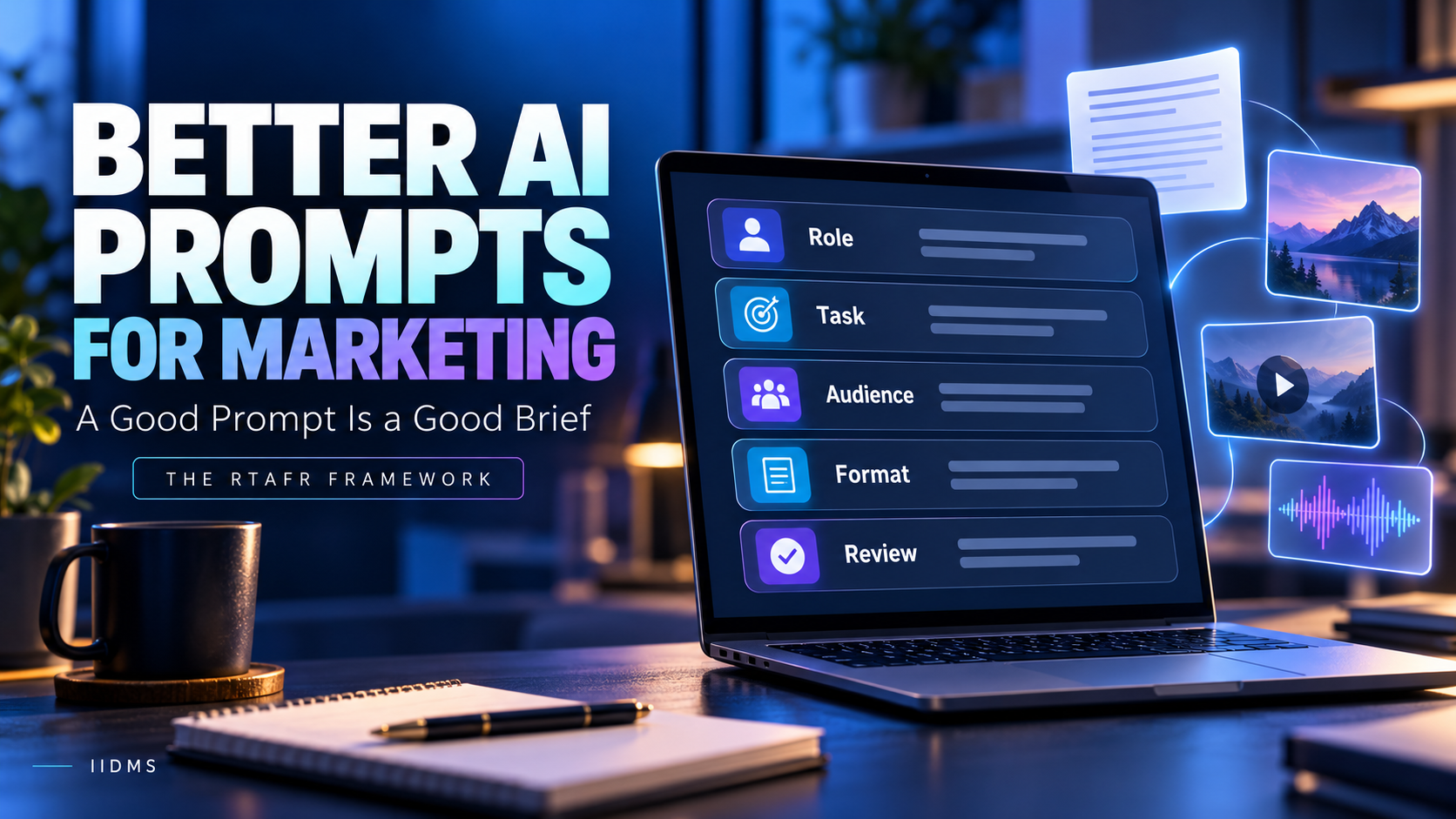
This guide gives you a simple five-part framework for writing AI prompts for marketing: Role, Task, Audience, Format and Review (RTAFR). It includes copy-and-paste prompt examples for written content, images, video, audio and development work, plus a review checklist you can use before publishing anything AI-assisted.
Why Prompts Matter in Marketing
Generative AI can draft, design, script, code and analyse. But it can't read your mind. Without direction it will:
- Default to generic, "average" copy
- Miss your brand voice
- Guess your audience
- Invent facts to fill gaps
- Produce formats you can't use
A strong prompt reduces editing time, improves consistency and turns AI output into something you can actually publish after review. Prompting is also only one part of using AI well; our responsible generative AI workflow for marketers shows where prompts fit alongside research, editing and guardrails.
The RTAFR Prompt Framework
| Element | Question it answers | Example |
|---|---|---|
| Role | Who should the AI act as? | "You are a senior B2B email marketer." |
| Task | What exactly should it produce? | "Write three subject lines and a 120-word email." |
| Audience | Who is it for? | "Operations managers in Dubai, new to AI." |
| Format | What should the output look like? | "A table with three columns" or "a bulleted outline" |
| Review | How should it check and improve its work? | "List any claims I need to verify." |
Add context (background, goal, tone, constraints) around these five and you have a complete brief.
1. Role: Give the AI a Point of View
A role sets expertise and tone. It's not magic, but it focuses the response.
- Weak: "Write a landing page."
- Better: "You are a conversion copywriter who specialises in professional training programmes."
Choose roles that match the job: SEO strategist, email marketer, social media manager, brand strategist, video scriptwriter, data analyst, front-end developer.
2. Task: Be Specific About the Deliverable
State exactly what you want, how much and for what purpose.
- Weak: "Help with our campaign."
- Better: "Write five Instagram caption options, each under 150 characters, promoting a free consultation for an AI automation course."
Include the goal (leads, clicks, awareness), the length, the number of options and anything to avoid.
3. Audience: Say Who You're Talking To
The same offer needs different words for different people.
- Weak: "Write for professionals."
- Better: "Write for marketing managers aged 28 to 45 in the UAE who use ChatGPT occasionally but haven't built workflows. They're busy, sceptical of hype and want practical results."
Add pain points, goals, objections and language level. The more real your audience description, the less generic the output. If you haven't defined your audience segments yet, start with our guide to building a digital marketing strategy for a UAE business.
4. Format: Tell It What the Output Should Look Like
Without format guidance, you'll get long paragraphs you have to restructure. For example:
- "Return a table with columns for hook, body and call to action."
- "Give a 5-section outline with H2 headings and 2 bullet points each."
- "Output JSON with fields: headline, description, CTA."
- "Write in short paragraphs, no more than 3 lines each."
5. Review: Build Quality Control into the Prompt
Ask the AI to check itself, then check it yourself.
- "After drafting, list any statistics or claims that need verification."
- "Rate the draft against my brand voice rules and suggest three improvements."
- "Flag anything that could be misleading, exaggerated or non-compliant."
The AI's self-review helps, but it doesn't replace a person reading every fact before publishing.
A Full Prompt Example (Putting It Together)
Role: You are a senior content marketer specialising in professional training.
Task: Write a 300-word LinkedIn post promoting a free webinar on using generative AI for business automation.
Audience: Operations and marketing managers in the UAE, curious about AI but unsure where to start. They dislike hype.
Tone: Professional, practical, friendly. No buzzwords like "revolutionary" or "game-changing".
Key message: Practical AI skills can save hours each week, and no coding is needed.
Format: A strong first-line hook, three short paragraphs, three bullet takeaways and one clear call to action.
Review: After the draft, list any claims I should verify and suggest two alternative hooks.
Compare this with "Write a LinkedIn post about our webinar." The structured prompt will almost always give you a more useful starting point.
Copy-ready AI prompt template
Role: You are a [expert role].
Task: Create [deliverable], [length/quantity], for [goal].
Audience: [who they are, location, pain points, objections, language level].
Context: [offer, key message, brand voice, what to avoid].
Format: [table / outline / bullets / JSON / word limit].
Review: After the draft, list claims to verify and suggest [n] improvements.
AI Prompts for Written Content
Blog and SEO content
You are an SEO content strategist. Create a detailed outline for a 1,500-word blog titled "[title]" targeting the keyword "[keyword]". Audience: [description]. Include H2 and H3 headings, a suggested meta title under 60 characters, a meta description under 155 characters and 5 FAQ questions. Do not invent statistics. Mark any section where I should add original examples.
Structured outlines like this also help your content appear in AI search answers, a shift we cover in AI marketing automation trends for 2026.
Ad copy
You are a performance marketer. Write 6 Meta ad primary-text variations for [offer], aimed at [audience]. Use three angles: pain point, career benefit and business value. Keep each under 90 words. End each with a clear call to action. Avoid exaggerated promises.
Before you write ad copy, decide which platform fits the job; our comparison of Google Ads vs Meta Ads for lead generation explains the difference in intent and cost.
Email sequences
You are an email marketer. Write a 4-email nurture sequence for people who requested a callback but haven't enrolled. Audience: [description]. Each email: subject line, preview text, 100 to 130 words, one CTA. Tone: helpful, not pushy. Output as a table.
Social media calendar
Create a 2-week LinkedIn and Instagram content calendar for [business]. Audience: [description]. Mix: 40% educational, 30% proof and results, 20% behind the scenes, 10% promotion. Output a table with date, platform, topic, hook and format.
Not sure which networks deserve a calendar? See how to choose the right social media platforms.
AI Image Prompts for Marketing and Design
Image generators respond best to descriptive, visual prompts. Include subject, setting, style, composition, lighting, mood and technical specs.
Create a clean, modern marketing image for a professional training programme. Subject: a diverse group of business professionals collaborating at a laptop in a bright office in a Gulf city. Style: realistic photography, soft natural light, shallow depth of field. Composition: space on the right for headline text. Colour palette: navy blue and warm gold accents. Aspect ratio 1:1. No logos, no text, no recognisable brand marks.
Tips for image prompts:
- Specify the aspect ratio for each placement (1:1 feed, 9:16 Stories and Reels, 16:9 banners)
- Leave negative space for text if you'll add headlines later
- Use "no text in the image", because AI often distorts lettering
- Check cultural appropriateness and accuracy for your market
- Avoid requesting real people, copyrighted characters or branded IP
AI Video Prompts
Video is where structured prompting pays off most. Break it into stages.
Stage 1: Concept and script
You are a short-form video scriptwriter. Write a 30-second Reel script for [offer]. Audience: [description]. Structure: 3-second hook, problem (5 seconds), solution (12 seconds), proof (5 seconds), CTA (5 seconds). Output a two-column table: spoken line and on-screen text. Keep language simple and conversational.
Stage 2: Storyboard and shot list
Turn the script above into a shot list. For each scene give: scene number, duration, camera angle, subject and action, setting, on-screen text and transition. Aim for 8 to 10 scenes in 9:16 vertical format.
Stage 3: Text-to-video generation prompts
If you use an AI video generator, describe each shot clearly:
Cinematic vertical video, 6 seconds. A professional woman in business attire reviews an AI dashboard on a tablet in a modern office. Slow push-in, soft daylight, shallow depth of field, calm and confident mood. No text overlays, no logos.
Tips for video prompts:
- Describe one scene per prompt, then edit the clips together
- Include camera movement (static, pan, push-in), lighting and mood
- Keep descriptions of characters and settings consistent across shots
- Add captions and voice-over separately for accuracy
- Review every frame for visual errors, unnatural movement and brand fit
- Follow platform rules for labelling AI-generated or altered video
Stage 4: Repurposing
Take this 5-minute webinar transcript and extract 5 short-clip ideas with timestamps, a hook line for each and a caption under 120 characters.
AI Prompts for Audio and Voice
AI can help with podcast outlines, voice-over scripts and audio ads.
You are an audio ad copywriter. Write a 30-second radio-style voice-over script for [offer]. Include a warm opening, one clear benefit, a single call to action and pronunciation notes for any tricky words. Target audience: [description]. Tone: friendly and credible.
If you use synthetic voices, make sure you have the right to use them and disclose AI voice where required. For Arabic content, have a fluent speaker check pronunciation and dialect.
AI Prompts for Development and Technical Work
You don't need to be a programmer to use AI for development tasks, but you do need to review what it produces.
Landing page build
You are a front-end developer. Write a responsive, single-file HTML and CSS landing page for [offer]. Sections: hero with headline and CTA button, three benefits, course modules list, FAQ and a simple enquiry form (name, phone, email, country). Mobile-first, accessible, fast loading, no external libraries. Add comments explaining each section.
Spreadsheet formulas and reporting
You are a data analyst. I have a spreadsheet with columns: Date, Campaign, Spend, Leads, Enrolments. Write formulas to calculate cost per lead, cost per enrolment and conversion rate per campaign. Explain each formula in plain English.
Tracking and tags
Explain step by step how to set up conversion tracking for a lead form in Google Analytics and Meta Ads. Assume I'm not technical. List what to test before launch.
Workflow automation
You are an automation consultant. Design a no-code workflow that: (1) captures a lead from a Meta Instant Form, (2) adds it to a spreadsheet, (3) sends a confirmation email and (4) notifies the sales team. List each step, trigger, action and what could go wrong.
AI agents
Design a simple AI agent workflow for weekly reporting: it should collect campaign data, summarise results, flag anomalies and draft a summary for my review. List the inputs, steps, human approval points and risks.
Building automations and agents is a skill in its own right; our guide to the generative AI and automation course (CAGAP) explains what that training covers.
Tips for development prompts:
- Describe your environment and skill level
- Ask for explanations alongside code
- Test everything before it goes live
- Never paste passwords, API keys or customer data into AI tools
- Have a qualified person review anything touching payments, security or personal data
AI Prompts for Research and Analysis
Summarise the attached report in 10 bullet points for a non-technical marketing manager. Then list 5 questions the report doesn't answer.
Group these 80 customer survey comments into themes. For each theme give a name, a short description, the number of comments and two representative examples.
Always check summaries against the source and verify numbers before using them.
Review Prompts: Your Quality Control Layer
Add these after any draft:
- Fact check: "List every factual claim, statistic and price in your draft that I should verify."
- Brand voice: "Compare this to my brand guidelines below and highlight mismatches."
- Clarity: "Rewrite for a Grade 8 reading level without losing meaning."
- Risk: "Flag anything that could be misleading, discriminatory or non-compliant with advertising rules."
- Improvement: "Give me three ways to make this more specific and less generic."
Human Review Checklist
Before publishing anything AI-assisted:
- Every fact, statistic, price and claim is verified
- Brand voice and terminology are correct
- Original experience, examples or data have been added
- Language versions are reviewed by fluent speakers
- Images and video are checked for accuracy and cultural fit
- No personal or confidential data was shared with unapproved tools
- Advertising and platform rules are met
- AI-generated or altered media is labelled where required
Common Prompting Mistakes
| Mistake | What happens | Fix |
|---|---|---|
| Being too vague | "Make it better" gives AI nothing to work with | Name the change you want |
| No audience | Output defaults to generic | Describe the reader in two or three sentences |
| Skipping format | You spend time restructuring | Ask for a table, outline or word limit |
| Accepting the first draft | Average results | Iterate with follow-up prompts |
| Trusting facts blindly | Confident but wrong information | Verify every claim against a source |
| Overstuffing one prompt | Muddled output | Break complex jobs into steps |
| Never saving good prompts | Inconsistent quality across the team | Build a shared prompt library |
How to Build a Prompt Library
- Save prompts that produce strong results
- Replace specifics with placeholders like [audience] and [offer]
- Organise by task: blog, ads, email, video, reporting
- Note which tool each prompt works best in
- Update and refine monthly
- Share with your team for consistent quality
Want to build these skills properly? See what the top AI marketing courses should teach, from prompt engineering to campaign optimisation.
Frequently Asked Questions
What makes a good AI prompt for marketing?
A clear role, a specific task, a defined audience, a requested format and a built-in review step, plus context such as goal, tone and constraints.
What is the RTAFR prompt framework?
RTAFR stands for Role, Task, Audience, Format and Review. It is a simple checklist for writing prompts that produce focused, usable marketing output.
Do I need to learn prompt engineering to use AI?
You don't need technical skills, but structured prompting dramatically improves results and saves editing time.
Can AI create marketing videos?
AI can help with scripts, storyboards, shot lists and, with video generation tools, short clips. Human review, editing and compliance checks remain essential.
Can AI help with website development?
Yes. It can draft code, layouts, formulas and automation workflows, but a qualified person should test and review everything before launch, especially anything handling data or payments.
Will AI-generated content rank on Google?
Helpful, accurate, original content can perform regardless of how it was drafted. Unedited, generic AI text adds little value, so add real expertise and examples.
Which AI tool is best for marketing?
It depends on the task. Many professionals use several tools, such as ChatGPT, Claude, Gemini and Copilot, and compare results. Tools change quickly, so focus on transferable prompting skills. For a current example, see the new Claude AI features for marketing.
Final Thoughts
A good prompt is a good brief. Define the role, set the task, describe the audience, specify the format and build in review. Apply that framework across text, images, video, audio and development, and AI shifts from a novelty into a dependable part of your workflow. You can watch these principles applied live in our free Claude webinar for digital marketers.
The marketers who benefit most won't be those with the most tools. They'll be the ones who write clear instructions, check the output carefully and keep human judgement at the centre.
Build These Skills with Structured Training
Want to go beyond tips and templates? The Certified Applied Generative AI & Automation Professional (CAGAP) programme from IIDMS is built around practical, hands-on AI skills:
- 10 practical modules
- Work with ChatGPT, Claude, Gemini and Copilot
- High-impact prompt writing and faster content creation
- Automating repetitive business workflows, with an introduction to AI agents
- A hands-on AI workflow project and professional certification
- No coding or previous AI experience required
| Your goal | Recommended IIDMS course |
|---|---|
| Master prompting, AI tools and workflow automation | Certified Applied Generative AI & Automation Professional (CAGAP) |
| Apply AI to blogs, social posts and email content | Certified Content Marketing Professional |
| Create AI-assisted Reels, short videos and scripts | Certified Video Marketing Professional |
| Learn every marketing channel plus generative AI | Certified Digital Marketing Master with Generative AI |
Enquire today: visit the CAGAP course page to request a free callback and get full course details, fees, schedule and current offers, plus advice on whether CAGAP fits your role.