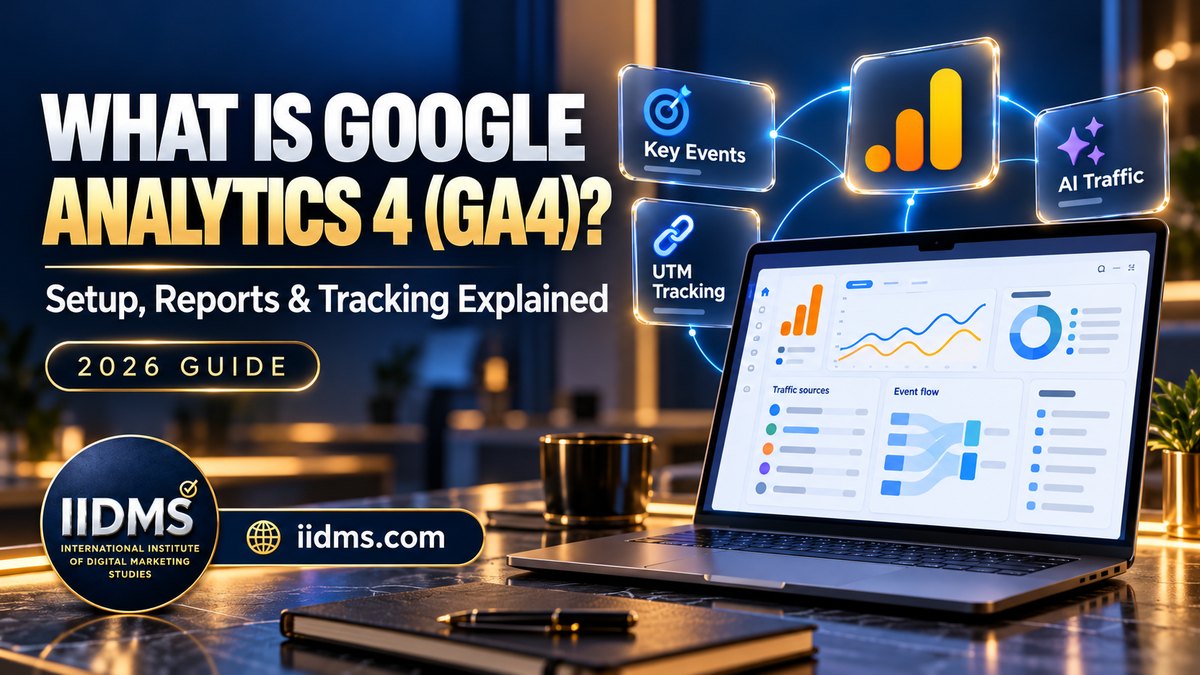
Every marketing decision gets better when you can see what is working. Google Analytics 4 (GA4) is the free tool most businesses use to see where website visitors come from, what they do and which channels bring leads and sales. This guide explains what Google Analytics 4 is, how it works, how to set it up, which reports matter, how to track key events and campaigns, and what changed in GA4 in 2026.
It is part of our marketing fundamentals series. For the bigger picture, read what is digital marketing: the complete guide.
Google Analytics in 2026: The Key Numbers
| Finding | Figure | Source |
|---|---|---|
| Share of all websites using Google Analytics | 46.9% | W3Techs, October 2026 |
| Share of the traffic analysis tool market (sites with a known tool) | 82.1% | W3Techs, October 2026 |
| New AI Assistant channel for traffic from tools such as ChatGPT, Gemini and Claude | Launched May 2026 | Google Analytics release notes |
| Google Business Profile integration (calls, directions, bookings, website clicks) | Launched June 2026 | Google Analytics release notes |
| Dashboards with drag-and-drop KPI views | Launched September 2026 | Google Analytics release notes |
| Generated insights summarising the top changes since your last visit | Launched February 2026 | Google Analytics release notes |
Google Analytics is the default measurement tool for most of the web, and 2026 brought some of its biggest changes since GA4 replaced Universal Analytics, especially around AI traffic, local businesses and easier reporting.
Why Analytics Matters in Digital Marketing
- It shows what works. You see which channels bring visitors who enquire or buy, not just clicks.
- It protects budgets. Spend moves from campaigns that look busy to campaigns that deliver leads.
- It improves your website. Engagement and drop-off data show which pages need work.
- It feeds ad platforms. Accurate key events help Google Ads optimise toward real results.
- It connects every channel. SEO, social, email, video and ads can be compared in one place.
How GA4 Works: Events, Parameters and Users
GA4 is built on events. Every action, such as a page view, scroll, click, form submission or purchase, is recorded as an event. Each event can carry parameters that add detail, such as the page, the button text or the value of a sale.
| Concept | What it means | Example |
|---|---|---|
| Event | Any action a user takes | page_view, scroll, generate_lead, purchase |
| Parameter | Extra detail attached to an event | page_location, value, currency, form_name |
| Key event | An event you mark as important to the business (previously called a conversion) | A course enquiry form submitted |
| User property | Information about the user | Language, country, customer type |
| Session | A group of interactions in one visit | A visitor reading three pages and submitting a form |
| Data stream | A source of data feeding the property | Your website, or your iOS or Android app |
Some events are collected automatically, some are added through enhanced measurement (scrolls, outbound clicks, site search, video engagement, file downloads and form interactions), and the rest are custom events you set up yourself.
How to Set Up GA4: Step by Step
- Create an account and property at analytics.google.com, choosing your country, time zone and currency.
- Add a web data stream for your website and turn on enhanced measurement.
- Install the tag on every page, either with the Google tag directly or through Google Tag Manager. Many CMS platforms and website builders also have a built-in field for the Measurement ID.
- Check that data arrives in the Realtime report and in DebugView.
- Set up key events for the actions that matter, such as enquiries, calls, WhatsApp clicks and purchases.
- Link Google Ads and Search Console so ad and search data appear alongside site behaviour.
- Adjust settings: extend data retention to 14 months, add internal traffic filters, use the hostname filter to block data from unapproved domains, and set up consent where required.
- Follow the Task Assistant, added in 2026, which lists recommended configuration steps you can complete or skip.
The GA4 Reports That Matter Most
| Report | Question it answers | What to look at |
|---|---|---|
| Home and generated insights | What changed recently? | The top changes, anomalies and trends since your last visit |
| Realtime | Is tracking working right now? | Live users, events and key events |
| Traffic acquisition | Which channels bring visitors? | Sessions, engagement rate and key events by channel |
| User acquisition | Where do new users first come from? | First user source and medium |
| Pages and screens | Which content performs best? | Views, engagement time and key events per page |
| Events and key events | Which actions happen, and how often? | Event counts and key event rate |
| Advertising and attribution | Which campaigns and paths lead to results? | Assisted conversions and conversion paths |
| Explorations | Deeper questions the standard reports do not answer | Funnels, path analysis and segment comparisons |
Start with the questions you need answered each week, then build a dashboard around them. The new GA4 dashboards let you place your main KPIs on one screen.
Key Metrics Explained
- Users and new users: how many people visited, and how many came for the first time.
- Sessions: the number of visits.
- Engaged sessions: visits that lasted more than 10 seconds, viewed two or more pages or included a key event.
- Engagement rate: the share of sessions that were engaged. It replaces bounce rate as the main quality signal (bounce rate is now simply the opposite).
- Average engagement time: how long the page was actually in focus.
- Key events and key event rate: how many important actions happened and how often sessions include one.
- Revenue and value: sales or the value you assign to leads.
Tracking Key Events (Conversions)
Key events turn traffic data into business data. For a training institute or service business, typical key events are:
| Action | Suggested event | How to track it |
|---|---|---|
| Enquiry or registration form submitted | generate_lead | Thank-you page view, or a form submit event through Google Tag Manager |
| WhatsApp button clicked | whatsapp_click | Click trigger on wa.me links in Google Tag Manager |
| Phone number clicked | phone_click | Click trigger on tel: links |
| Brochure downloaded | file_download | Enhanced measurement (automatic) |
| Webinar sign-up | sign_up | Form or thank-you page event |
| Online purchase | purchase | E-commerce tracking with value and currency |
Mark only the actions that really matter as key events. If everything is a key event, nothing stands out, and ad platforms optimise toward the wrong goal. For lead campaigns, connect GA4 and your ad platforms to your CRM so you can see which leads became students or customers. Read more in Google Ads vs Meta Ads for lead generation.
Campaign Tracking With UTM Parameters
UTM parameters are tags added to a link so GA4 knows exactly which campaign sent the visitor. Google Ads traffic is tracked automatically once accounts are linked, but social posts, emails, WhatsApp messages, QR codes and influencer links need UTMs.
| Parameter | Purpose | Example |
|---|---|---|
| utm_source | Where the traffic comes from | instagram, newsletter, linkedin |
| utm_medium | The type of channel | social, email, paid_social, qr |
| utm_campaign | The campaign name | seo_course_nov_intake |
| utm_content | Which creative or link | reel_1, header_button |
| utm_term | Keyword (optional, mainly paid search) | seo course dubai |
Keep names lower case and consistent. "Instagram" and "instagram" appear as two different sources. Use UTMs on every email you send, as explained in our email marketing guide, and in video descriptions, as covered in the video marketing guide.
What Changed in GA4 in 2026
| Update | What it does | Why it matters |
|---|---|---|
| Cross-channel budgeting (beta, January) | Projection and scenario plans for paid channel spend | Plan budgets and estimate ROI before you spend |
| Conversion attribution analysis (beta, January) | Assisted conversions and refined funnel views | See which channels help, not only which get the last click |
| Generated insights on the Home page (February) | Summarises the top three changes since your last visit | Spot anomalies and trends faster |
| Task Assistant (April) | Configuration recommendations in the left navigation | Helps new users set up a property correctly |
| AI Assistant channel (May) | Groups traffic from chatbots such as ChatGPT, Gemini and Claude | Measure visits from AI search and assistants |
| Google Business Profile integration (June) | Imports calls, bookings, directions and website clicks | Local businesses see offline-intent actions in GA4 |
| Hostname filters (June and September) | Exclude or allow data by domain | Cleaner data, with spam and copied tags blocked |
| Source Group field (June) | Groups related sources, such as Facebook and Instagram | Simpler social reporting |
| Dashboards (September) | KPI views with drag-and-drop editing | One-screen reporting for managers |
Google also announced AI summaries on the Analytics home page, Ask Advisor integration and opt-in summary notifications in August 2026. The AI Assistant channel is especially useful as more people find brands through AI tools, which is also reshaping SEO, as explained in what is SEO. Local businesses in Dubai can combine the Google Business Profile data with our local SEO checklist.
Privacy and Consent
Analytics data should be collected responsibly. GA4 does not store IP addresses, and it offers data retention controls, data deletion and Consent Mode, which adjusts tags based on whether visitors accept analytics and advertising cookies. Consent Mode is required for advertisers targeting users in the European Economic Area, and businesses in the UAE and GCC should follow local data protection laws, publish a clear privacy policy and work with their legal advisers on what consent they need.
Using AI With Google Analytics
- Generated insights point out unusual changes so you know where to look.
- AI assistants can explain reports, suggest explorations and draft summaries for your manager.
- Exported data can be analysed with AI tools to find patterns across channels.
- Check the numbers. AI summaries are a starting point. Confirm them in the reports before changing budgets.
See practical prompts for reports in how to write AI prompts for marketing, and keep human review in place with our responsible generative AI workflow.
Common GA4 Mistakes to Avoid
- Installing the tag twice, which doubles page views.
- Leaving data retention at the default 2 months.
- Not marking enquiries, calls or WhatsApp clicks as key events.
- Counting your own team's visits as customer traffic.
- Sharing links without UTMs, so traffic lands in "direct" or "unassigned".
- Not linking Google Ads and Search Console.
- Judging channels by sessions instead of key events and revenue.
- Never checking whether tracking still works after a website change.
How to Learn Google Analytics
GA4 is learned best on a real property: set up tracking, create key events, tag campaigns and answer real business questions with the reports. IIDMS programmes teach analytics as part of every channel and are available live online or as self-paced study for learners across the UAE and GCC.
| Your goal | Programme |
|---|---|
| Learn every channel plus analytics, with AI | Certified Digital Marketing Master with Generative AI |
| Build practical, job-ready foundations | CDMP – Certified Digital Marketing Practitioner with Generative AI |
| Measure and optimise Google and Meta ads | Certified Pay-Per-Click (PPC) Advertising |
| Track organic traffic and rankings | Certified SEO Professional |
| Measure online store sales | Certified E-Commerce Marketing Professional |
Deciding whether to get certified? Read is a digital marketing certification worth it.
Analytics only works on a healthy, secure website. If you manage a site yourself, read our briefing on PHP2Shell and what website owners should do now, including how unusual traffic in your reports can be an early warning sign.
Once the AI Assistant channel shows visits from ChatGPT, Gemini or Claude, the next step is earning more of them. Our GEO guide explains how to get your content cited in AI search.
If you run paid campaigns, accurate key events are what make smart bidding work. Our PPC guide explains how tracking, budgets and metrics such as cost per lead and ROAS fit together.
Frequently Asked Questions
Is Google Analytics 4 free?
Yes. GA4 is free for most businesses. Google Analytics 360 is a paid version for large organisations that need higher limits and service-level agreements.
What happened to Universal Analytics?
Universal Analytics stopped processing data in 2023 and was replaced by GA4, which uses an event-based model that works across websites and apps.
What is the difference between a conversion and a key event?
In GA4, important actions are now called key events. The term conversion is used for key events that are also used in Google Ads bidding and reporting.
How long does it take for data to appear in GA4?
Realtime and DebugView show data within seconds. Standard reports can take 24 to 48 hours to process fully.
Can GA4 show traffic from ChatGPT and other AI tools?
Yes. Since May 2026 GA4 has an AI Assistant channel that groups visits from AI chatbots such as ChatGPT, Gemini and Claude.
Do I need Google Tag Manager?
Not to start. You can install the Google tag directly, but Tag Manager makes it much easier to track clicks, forms and other custom events without editing website code.
Final Thoughts
Google Analytics 4 shows whether your marketing is working. Set it up correctly, track the actions that matter, tag every campaign link and review a short set of reports every week. The 2026 updates make it easier to spot changes, measure AI and local traffic and report on one dashboard, but the value still comes from asking the right business questions.
Ready to measure your marketing with confidence? Explore the Certified Digital Marketing Master with Generative AI programme or speak to our admissions team.
Sources
- Google, "What's new in Google Analytics" (release notes, 2026 entries): support.google.com
- Google, "Try new AI tools from Google Ads and Analytics" (August 2026): blog.google
- W3Techs, "Usage statistics and market share of Google Analytics" (October 2026): w3techs.com